
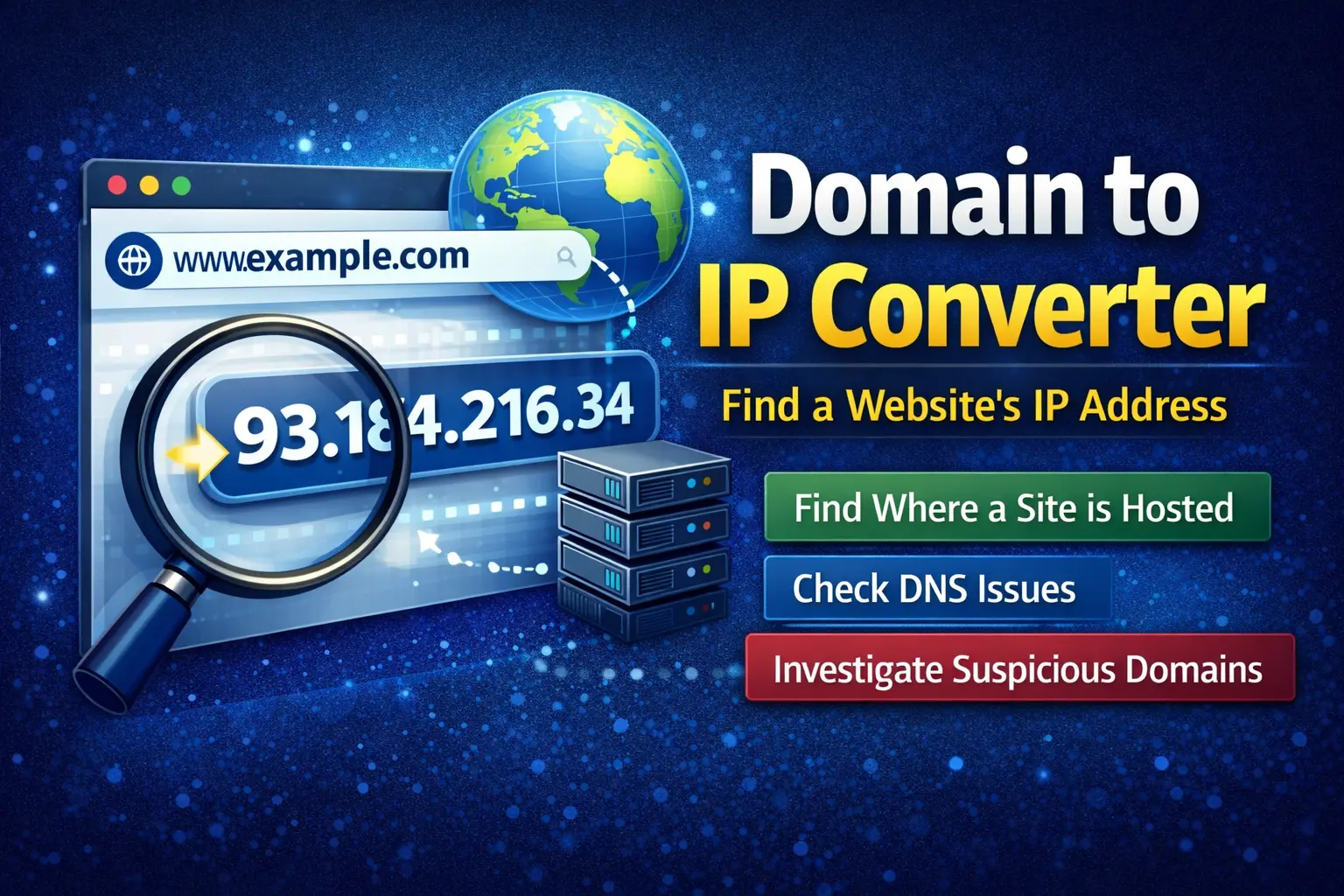
Domain to IP Converter: Find Where a Website Really Lives
A Domain to IP Converter helps you find the IP address behind any domain name.
If a website loads slowly, changes servers, or looks suspicious, this tool gives quick answers. Many articles explain what it does. Few explain why it matters or how to read the results correctly.
This guide does both.
You will learn how a domain to IP converter works, when to use it, what the results mean, and where people often get confused.
What Is a Domain to IP Converter?
A domain to IP converter turns a website name into an IP address.
Example:
example.com becomes a number like 93.184.216.34.
That number shows where the website points on the internet. It comes from public DNS records.
Your browser does this quietly every time you visit a site. A converter simply shows the result.
Why People Use a Domain to IP Converter
People use this tool for many everyday reasons.
Common ones include:
- Checking where a website is hosted
- Troubleshooting DNS issues
- Verifying server changes
- Investigating suspicious domains
- Researching hosting setups
It helps explain how a site connects to the web.
How a Domain to IP Converter Works
The process is simple.
- You enter a domain name
- The tool checks DNS records
- It returns one or more IP addresses
If a site uses multiple servers, you may see several IPs. That is normal.
Large sites often spread traffic across many servers.
What a Domain to IP Converter Shows
A domain to IP converter focuses on technical basics.
You usually see:
- IPv4 or IPv6 address
- Multiple IPs for load balancing
- DNS response details
Some tools also add hosting or location data. That extra data comes from IP databases, not DNS itself.
What It Does Not Show
This part often gets misunderstood.
A domain to IP converter does not:
- Reveal the site owner’s identity
- Show private server data
- Bypass security systems
- Expose hidden pages
It only shows what is already public.
Domain to IP Converter for SEO Research
SEO professionals use this tool often.
It helps with:
- Finding shared hosting neighbors
- Spotting private blog networks
- Checking CDN usage
- Tracking hosting changes
It supports analysis. It does not improve rankings by itself.
Domain to IP Converter for Security Checks
Security teams use domain to IP conversion as a first step.
Examples include:
- Reviewing phishing domains
- Tracking repeated abuse sources
- Understanding server relationships
It provides context before deeper investigation.
Why One Domain Can Have Many IPs
Seeing multiple IPs is normal.
Common reasons include:
- Content delivery networks
- Cloud hosting
- Load balancing
- Regional servers
This setup improves speed and reliability.
Real-World Example
A website suddenly loads slower.
You run a domain to IP converter. The IP has changed.
That often means:
- The site moved hosts
- A CDN was added
- DNS changes are still spreading
The tool confirms the cause in seconds.
Common Mistakes to Avoid
Many people misread the results.
Avoid these mistakes:
- Assuming one IP equals one website
- Treating IP location as exact
- Ignoring CDN behavior
- Thinking IP access equals control
The tool explains structure, not ownership.
FAQs About Domain to IP Converter
What does a domain to IP converter do?
It shows the IP address linked to a domain name.
Why does a domain return multiple IPs?
The site likely uses a CDN or load balancing.
Can a domain change its IP address?
Yes. Hosting changes and DNS updates cause this.
Is using a domain to IP converter legal?
Yes. It uses public DNS information.
A Domain to IP Converter is a simple but valuable tool.
It helps you understand where a website points and how it connects online. It supports troubleshooting, research, and security checks. It does not reveal private systems or people.
Used correctly, it removes guesswork and saves time.
If you work with websites, this tool is worth keeping close.