
Filter Antivirus:
Bitdefender
- Top-rated malware protection
- Multi-layer ransomware defense
- Built-in VPN (basic limit / upgrade available)
- Full password manager included
- System performance optimizer & cleanup
- Real-time threat detection & behavioral protection
- Parental control features
- Supports multiple devices (cross-platform)
- 30-Day Money-Back Guarantee
- Free trial available
- Anti-phishing & web attack prevention
- Two-way firewall / network threat prevention
- Data breach & credential leak monitoring
- Scam / fraud detection
Norton 360
- High malware detection & removal
- Unlimited VPN included
- Identity theft protection (US/global)
- Password manager included
- Cloud backup for files
- Parental controls included
- Dark web monitoring & alerts
- Supports multiple devices
- Webcam & mic protection
- Safe browser / online banking protection
- Smart firewall
- 60-Day Money-Back Guarantee
- Free trial available
McAfee Total Protection
- Reliable malware protection
- Secure VPN included
- Identity theft protection tools
- Password manager included
- Supports unlimited devices (on top plan)
- Performance optimization & cleanup tools
- Parental controls / family protection
- Spam filtering
- Web protection & phishing blocker
- 30-Day Money-Back Guarantee
- Free trial available

Kaspersky
- Excellent malware detection
- VPN with limited data (upgrade for unlimited)
- Password manager available
- Strong parental controls
- Webcam & privacy protection
- System cleaner & performance tools
- Advanced anti-phishing
- Secure browser for banking
- 30-Day Money-Back Guarantee
- Free version available
Trend Micro
- Powerful malware protection
- Folder Shield ransomware protection
- VPN service included
- AI-based threat detection
- Social media privacy protection
- Safe browsing & email protection
- Mobile device protection
- 30-Day Money-Back Guarantee
- Free trial available
ESET NOD32
- Strong malware protection
- Minimal system impact
- Advanced anti-phishing
- USB & external device control
- Supports multiple devices
- Gamer mode / low-impact performance
- 30-Day Money-Back Guarantee
- Free trial available
Avira Prime
- Solid malware protection
- Unlimited VPN included
- Password manager included
- System speed-up tools
- Automatic software updates
- Ad & tracker blocker
- 30-Day Money-Back Guarantee
- Free antivirus version available

Sophos Home
- Business-grade protection
- Web filtering & blocking
- Remote management console
- Ransomware file protection
- Up to 10 devices supported
- Cloud-based management
- 30-Day Money-Back Guarantee
- Free trial available
Panda Dome
- Good real-time protection
- VPN with limited data
- Anti-theft tools for devices
- Parental controls included
- Cloud-based scanning
- Device cleanup & optimization
- 30-Day Money-Back Guarantee
- Free version available
Webroot
- Cloud-based antivirus engine
- Ultra-fast scans
- Identity protection tools
- Minimal system impact
- Real-time phishing protection
- Password manager via LastPass integration
- Anti-tracker & privacy tools
- 70-Day Money-Back Guarantee
- Free trial available
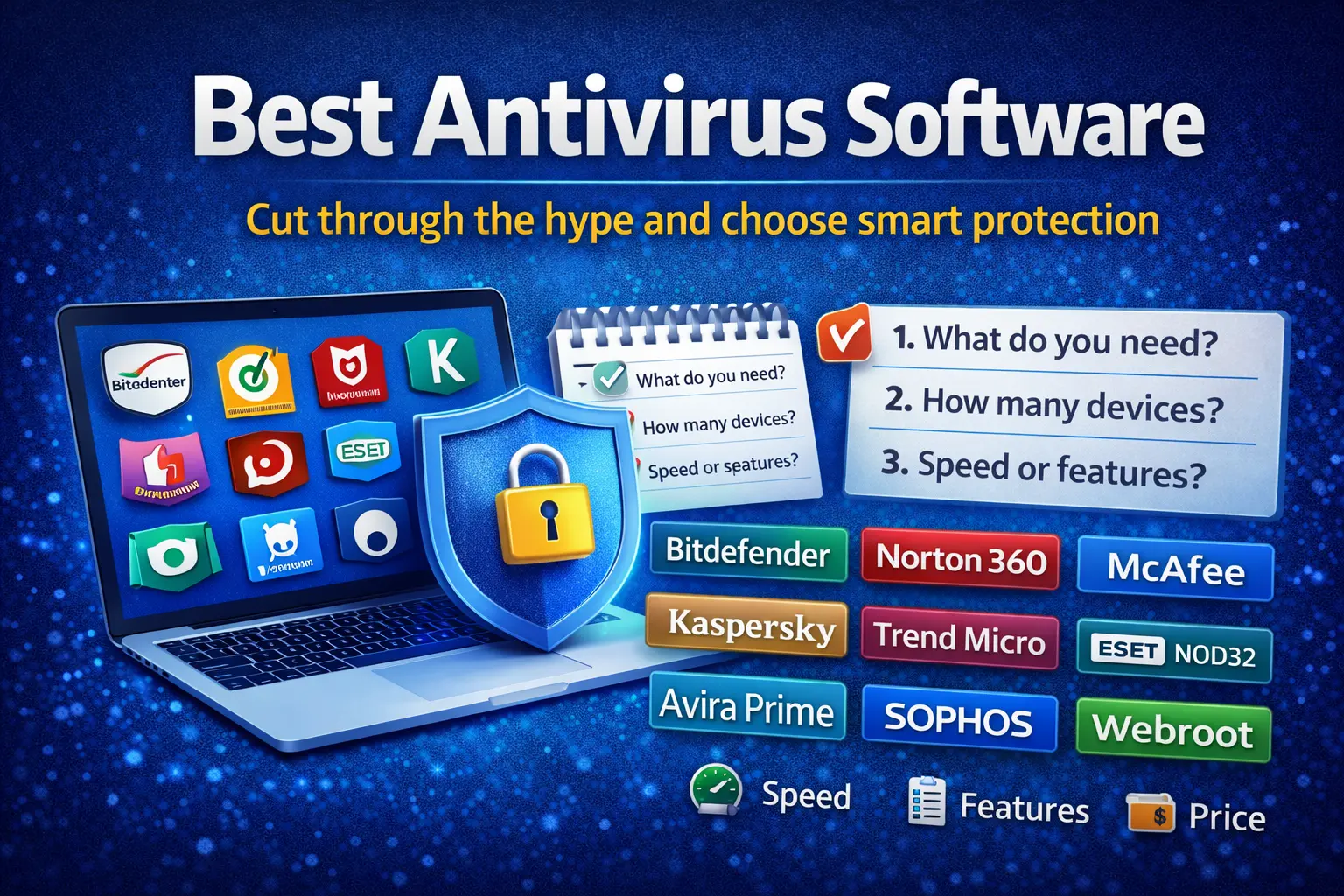
Best Antivirus Software: A Simple, Honest Guide for Real People
Most people search for the best antivirus after a scare.
A strange pop-up appears.
The laptop slows down.
A browser opens pages you never asked for.
At that moment, you do not want charts or lab scores.
You want your device to feel safe again.
This guide explains antivirus software the way people actually use it.
Daily browsing. Downloads. Online payments. Family devices.
I will walk through the top antivirus options.
I will explain what each one does well.
I will also explain where each one falls short.
No fear. No hype. Just clarity.
A Quick Reality Check Before We Start
There is no perfect antivirus.
Some are fast but simple.
Some are powerful but heavy.
Some feel quiet. Others talk too much.
The best antivirus is the one that fits your habits.
That matters more than rankings.
What Antivirus Needs to Do Today
Old viruses still exist.
But they are not the biggest threat anymore.
Most problems now come from:
- Fake websites
- Phishing emails
- Infected downloads
- Browser add-ons
- Weak passwords
A good antivirus blocks trouble before damage starts.
It watches behavior, not just files.
Bitdefender
What It Feels Like to Use
Bitdefender feels calm.
Once installed, it stays quiet.
It does not interrupt work.
You only see alerts when something is real.
Key Features
- Real-time protection
- Ransomware defense
- Web and phishing protection
- Firewall
- VPN (limited on basic plans)
Benefits
Bitdefender protects strongly without slowing things down.
I often recommend it to people who say,
“I want protection, but I hate pop-ups.”
Speed
Very fast.
You rarely feel it running.
Servers and Updates
Uses a large global cloud network.
Threat updates arrive quickly.
Price
Mid to high range.
Family plans offer better value.
Pros
- Excellent protection
- Very light on system speed
- Clean design
Cons
- VPN data is limited
- Many settings can confuse beginners
Norton 360
What It Feels Like to Use
Norton feels like a full security package.
You get antivirus, VPN, and identity tools in one place.
Key Features
- Antivirus and firewall
- Unlimited VPN
- Password manager
- Dark web monitoring
- Cloud backup
Benefits
Good choice if you want everything bundled together.
Speed
Moderate.
Older laptops may slow during full scans.
Servers and Updates
Large global network.
Strong VPN coverage.
Price
Higher than average.
More value if you use all features.
Pros
- Strong web protection
- Unlimited VPN
- Identity tools included
Cons
- Heavy on system resources
- Frequent upgrade prompts
McAfee Total Protection
What It Feels Like to Use
McAfee focuses on covering many devices easily.
One account can protect a whole family.
Key Features
- Multi-device protection
- Firewall
- Identity monitoring
- VPN
- Safe browsing
Benefits
Great for homes with many phones and computers.
Speed
Acceptable on modern systems.
Slower on older machines.
Servers and Updates
Large cloud infrastructure.
Strong identity services.
Price
Good value for families.
Often discounted.
Pros
- Covers many devices
- Easy setup
- Identity protection included
Cons
- Slower scans
- Interface feels busy
Kaspersky
What It Feels Like to Use
Kaspersky feels precise.
It gives more control than most tools.
Key Features
- Strong malware detection
- Anti-phishing
- Secure payment browser
- Parental controls
Benefits
Very accurate protection with low slowdown.
Speed
Fast and efficient.
Servers and Updates
Global cloud threat network.
Price
Fair pricing across plans.
Pros
- Excellent detection
- Fast performance
- Detailed controls
Cons
- Trust concerns in some regions
- Interface feels technical
Trend Micro
What It Feels Like to Use
Trend Micro focuses on blocking bad links early.
It feels simple and clear.
Key Features
- Phishing protection
- Email scam filtering
- Ransomware protection
Benefits
Great for people who click links often.
Speed
Light during daily use.
Servers and Updates
Cloud-based link scanning.
Price
Mid-range.
Pros
- Strong phishing defense
- Easy to understand
Cons
- Fewer advanced tools
- Limited customization
ESET NOD32
What It Feels Like to Use
ESET runs almost invisibly.
Many users forget it is installed.
Key Features
- Real-time malware protection
- Exploit blocking
- Advanced detection engine
Benefits
Perfect for older or slower PCs.
Speed
Extremely fast.
Servers and Updates
Cloud-assisted detection.
Price
Reasonable.
Fewer extras included.
Pros
- Very light
- Fast scans
- Quiet operation
Cons
- No VPN
- Basic interface
Avira Prime
What It Feels Like to Use
Avira feels generous.
You get many tools in one plan.
Key Features
- Antivirus
- VPN
- Password manager
- System cleanup tools
Benefits
Good value for users who like all-in-one tools.
Speed
Light to moderate.
Servers and Updates
Cloud scanning and VPN servers.
Price
Affordable premium option.
Pros
- Strong free version
- Many bundled tools
Cons
- VPN speeds vary
- Frequent notifications
Sophos Home
What It Feels Like to Use
Sophos feels parent-focused.
You manage devices from one dashboard.
Key Features
- Web filtering
- Parental controls
- Remote management
Benefits
Useful for families with children.
Speed
Moderate.
Servers and Updates
Cloud-based management panel.
Price
Free version available.
Paid version adds features.
Pros
- Strong parental controls
- Central management
Cons
- Interface feels dated
- Less automation
Panda Security Dome
What It Feels Like to Use
Panda feels flexible.
You pay only for what you want.
Key Features
- Modular security plans
- VPN
- Firewall
- USB protection
Benefits
Good for users who want control over cost.
Speed
Light to moderate.
Servers and Updates
Cloud-based detection.
Price
Flexible tiers.
Pros
- Custom plans
- Modern design
Cons
- Advanced features cost extra
- Detection not always top tier
Webroot
What It Feels Like to Use
Webroot installs in seconds.
It feels almost invisible.
Key Features
- Cloud-based detection
- Anti-phishing
- Identity tools
Benefits
Excellent for very low-power systems.
Speed
Extremely fast.
Servers and Updates
Cloud-only protection model.
Price
Mid-range.
Pros
- Very fast scans
- Tiny system footprint
Cons
- Heavy cloud dependence
- Fewer advanced features
A Simple Way to Choose the Best Antivirus
Ask yourself three questions:
- Do I care more about speed or features?
- Am I protecting one device or many?
- Do I want quiet protection or full control?
Your answers guide the choice better than any ranking.
Final Thoughts
The best antivirus is not the loudest one.
It is the one that:
- Matches your habits
- Stays quiet
- Explains threats clearly
- Does not slow your work
Choose calmly.
Ignore fear-based marketing.
Good security should feel boring.
That is a good thing.