
Select QR Type
Input Details
Design QR
QR Code Preview
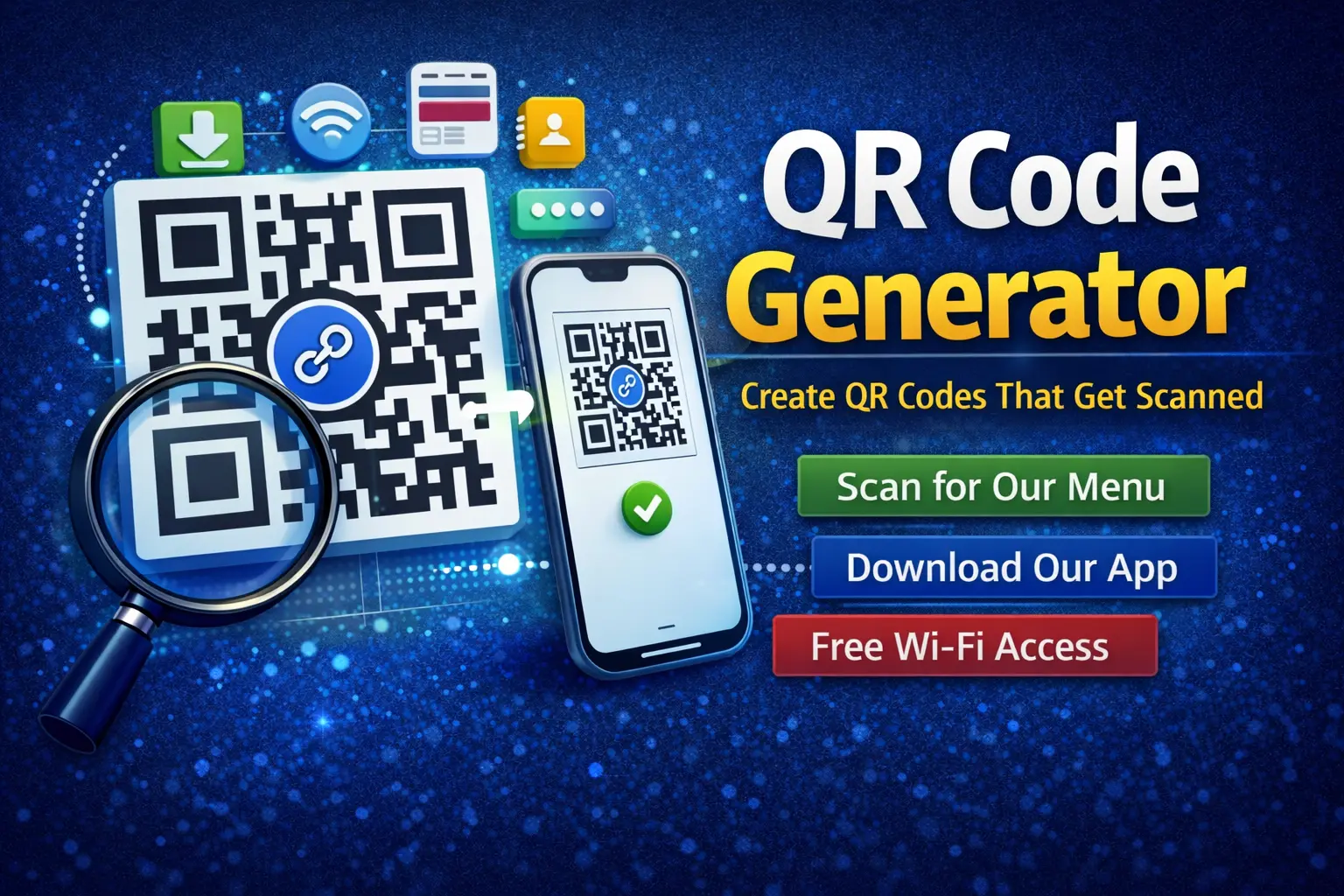
QR Code Generator: Create QR Codes That Actually Get Scanned
A QR code generator helps you turn links, text, or files into scannable QR codes.
Most people know what QR codes are. Fewer know how to use them well. Many guides focus on tools. They skip real-world use, mistakes, and design tips that affect scans.
This guide fills those gaps.
You will learn how QR code generators work, when to use them, what types exist, and how to create QR codes people trust and scan.
What Is a QR Code Generator?
A QR code generator creates a QR code from your input.
That input can be:
- A website URL
- Text or contact details
- Wi-Fi credentials
- Payment links
- Files or documents
The tool converts that data into a square code that phones can scan.
Why People Use a QR Code Generator
QR codes solve simple problems fast.
People use them to:
- Share links without typing
- Connect users to menus or forms
- Track offline campaigns
- Save space on print materials
- Improve mobile access
A good QR code removes friction. A bad one creates doubt.
Static vs Dynamic QR Codes
This is one of the most missed topics.
Static QR Codes
- Data stays fixed
- Cannot be edited later
- Free on most tools
- Best for permanent content
Dynamic QR Codes
- Destination can change
- Often include scan tracking
- Usually require an account
- Better for marketing and testing
If the link might change, use dynamic.
What You Can Create With a QR Code Generator
Most people only think of URLs. There is more.
Common QR code types include:
- Website links
- PDF files
- App downloads
- Email or SMS
- Business cards (vCard)
- Wi-Fi access
Choose the type that fits your goal. Do not force it.
How a QR Code Generator Works
The process is simple.
- You choose the QR type
- You enter your content
- The tool generates the code
- You download and share it
Scanning works through the phone camera or a scanner app.
Design Tips That Increase QR Code Scans
Design affects trust.
From real-world use, these tips matter:
- Use enough contrast
- Avoid tiny sizes
- Leave quiet space around the code
- Test on multiple phones
- Add a short label like “Scan for menu”
People scan what feels safe and clear.
Where QR Codes Work Best
QR codes perform best in physical spaces.
Strong examples include:
- Restaurant menus
- Product packaging
- Event posters
- Business cards
- Store windows
They work poorly when users already have a keyboard.
Common QR Code Generator Mistakes
Many QR codes fail for simple reasons.
Avoid these mistakes:
- Linking to non-mobile pages
- Printing codes too small
- Using low contrast colors
- Forgetting to test before printing
- Letting paid codes expire
Always test before you publish.
Free vs Paid QR Code Generators
Free tools work for many users. Paid tools serve teams.
| Feature | Free | Paid |
|---|---|---|
| Static QR codes | Yes | Yes |
| Dynamic QR codes | Rare | Yes |
| Scan tracking | No | Yes |
| Editable links | No | Yes |
| Branding options | Limited | Yes |
If tracking matters, paid tools make sense.
Real Example: Menu QR Code
A café prints QR codes for menus.
The menu changes weekly.
Static QR codes would break often. A dynamic QR code lets them update the link without reprinting.
That saves time and money.
Trust and Privacy Considerations
People hesitate to scan unknown codes.
Good practices include:
- Use clear labels
- Avoid link shorteners when possible
- Do not redirect multiple times
- Use secure HTTPS pages
Trust increases scans.
FAQs About QR Code Generators
Are QR code generators safe?
Yes, when you use trusted tools and test links.
Do QR codes expire?
Static codes do not. Some dynamic codes can.
Do phones need apps to scan QR codes?
Most modern phones scan with the camera.
Can I customize QR code colors?
Yes, but keep contrast high.
A QR code generator is a simple tool with real impact.
When used well, it saves time and removes friction. When used poorly, it gets ignored. The difference comes from choosing the right type, testing carefully, and designing for real people.
Start simple. Test everything. Make scanning feel safe.
That is how QR codes actually work.