
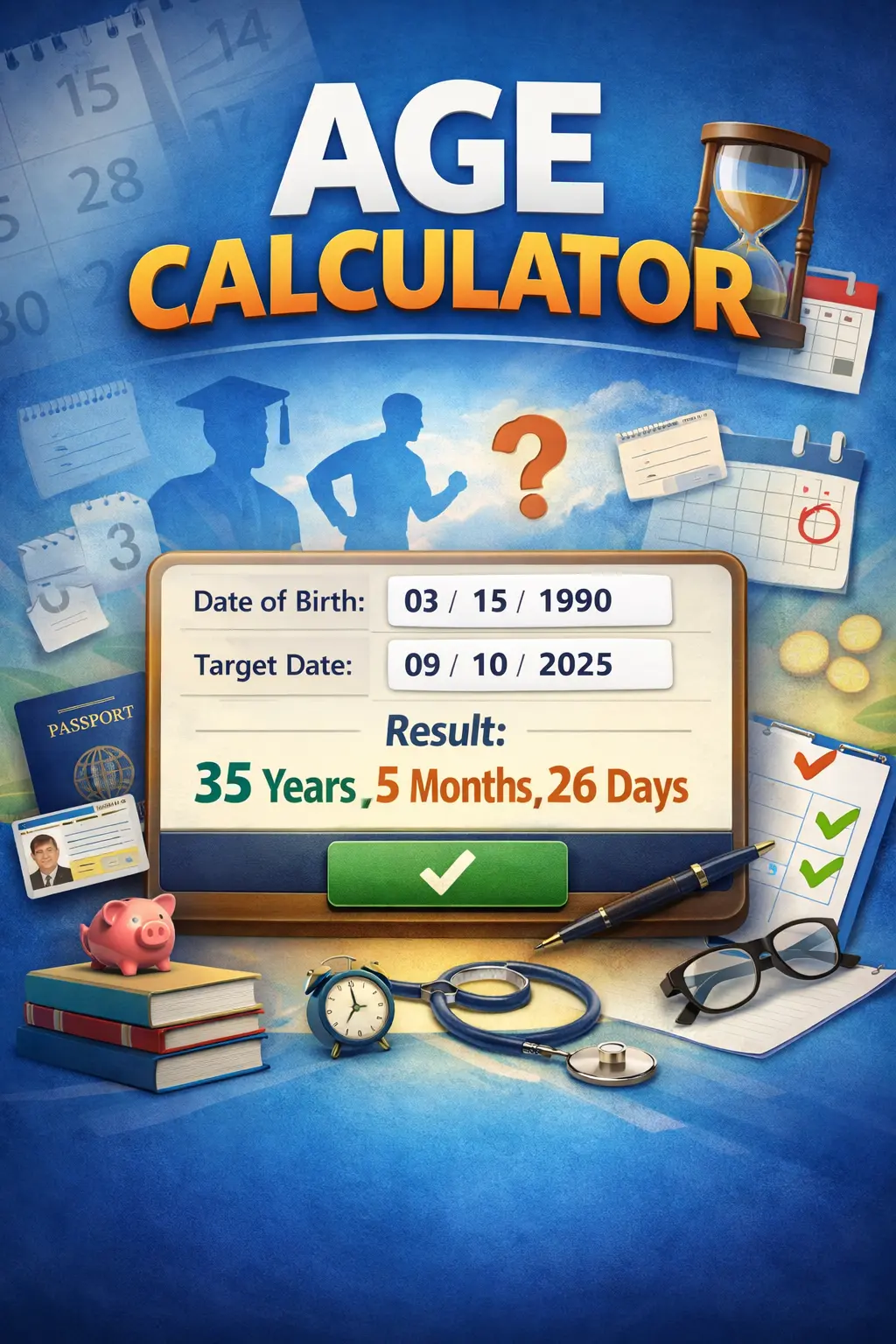
 Age Calculator: the simplest way to stop guessing your age
Most people know their age in years. Few know it exactly.
Ask someone their age in months or days and they pause. Ask them their exact age on a future date and they start counting on fingers. This is where an age calculator quietly becomes useful.
Not as a fancy tool. As a practical shortcut.
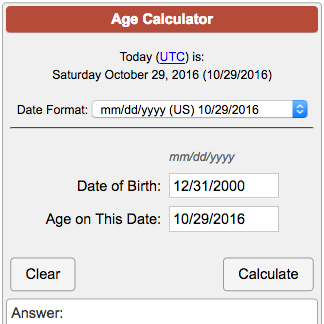
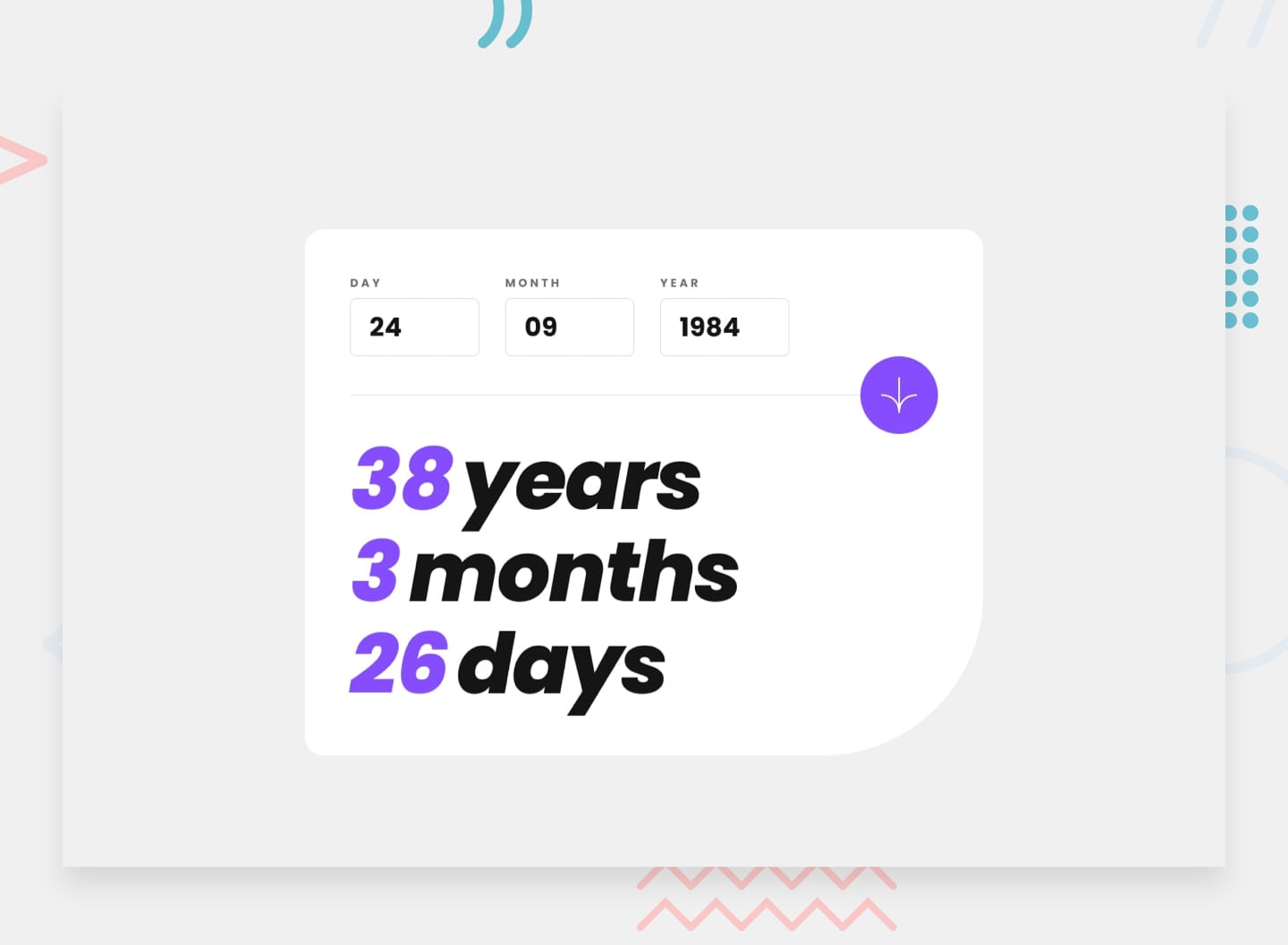
Exact age calculated instantly from date of birth
Why people actually use an age calculator
Age calculators are not just for curiosity. They solve small but real problems we run into often.
Think about these everyday situations:
- Filling out a school or exam form with an age limit
- Checking eligibility for a job, visa, or government service
- Calculating age for insurance or medical records
- Confirming retirement or pension dates
- Finding exact age for astrology or official documents
In all of these cases, “I am 28” is not enough. You need precision.
An age calculator gives you:
- Exact years, months, and days
- Age on a specific date, past or future
- Clear results without mental math
The mistake most people make when calculating age manually
Many people subtract birth year from the current year and stop there.
That shortcut fails more often than you think.
Here is why:
- Birthdays may not have happened yet this year
- Leap years add extra days
- Month lengths are not equal
- Cutoff dates matter for eligibility
Example:
Someone born on 15 October 2000 is not 25 on 1 September 2025, even though the math looks close.
An age calculator handles these details instantly and correctly.
When “age today” is not the real question
A useful age calculator lets you choose a reference date.
This matters more than people realize.
Common use cases:
- “How old will I be on exam day?”
- “What was my age on my graduation date?”
- “Will I meet the age requirement on the deadline?”
Instead of guessing, you select:
- Date of birth
- Target date
The calculator does the rest.
This feature alone separates a basic tool from a reliable one.
Exact age vs rounded age: why it matters
Some forms ask for age in completed years. Others need full breakdowns.
An age calculator can show:
- Completed years only
- Years, months, and days
- Total days lived
Why this helps:
- Medical forms often need precise age
- Legal documents may require completed years
- Personal tracking benefits from exact numbers
One tool. Multiple answers. No confusion.
Using an age calculator for planning, not just checking
Age calculators are not only about today.
They help with planning ahead.
Examples:
- Retirement planning
- Fitness or health milestones
- Education timelines
- Career eligibility windows
Seeing your age on future dates makes long-term decisions feel clearer and more concrete.
What makes a good age calculator
Not all age calculators are equal.
A good one should:
- Accept custom reference dates
- Handle leap years correctly
- Show results clearly
- Work well on mobile
- Avoid ads that block results
If the tool feels confusing, users stop trusting the answer.
Clarity matters more than design.
A simple example that shows the value
Date of birth: 12 March 1998
Reference date: 5 February 2026
Manual guess:
- “Around 27 or 28”
Age calculator result:
- 27 years, 10 months, 24 days
That difference matters in real scenarios.
When you should double-check age results
Even with a calculator, context matters.
Double-check if:
- A form specifies “completed age only”
- The cutoff time is midnight-based
- The date format could be misunderstood (DD/MM vs MM/DD)
A reliable age calculator removes most errors, but reading instructions still matters.
An age calculator is one of those tools you don’t think about until you need it. Then it saves time, stress, and mistakes.
It turns age from a guess into a fact.
If you ever deal with forms, deadlines, or eligibility rules, having a clean and accurate age calculator is not optional. It is practical.